CCPA DSAR Process: Ultimate Guide
Among other things, CCPA compliance requires understanding how your business can handle Data Subject Access Requests (DSARs) from California consumers under the CCPA/CPRA. In fact, these are requests to know, access, delete, correct, or opt out of the sale or sharing of sensitive personal information – something any customer can exercise at their discretion.
At the same time, handling a CCPA DSAR manually can be complicated and expensive, which is why automating the DSAR process under CCPA has become a primary focus for businesses trying to stay compliant.
Read on to learn more about CCPA DSAR and what tools you need to automate compliance.
Sign up for ValidRecord to screen leads in real time, ensure compliance, and protect your business from fraud.
What Are CCPA DSAR & Data Subject Rights?
A DSAR (Data Subject Access Request) is a formal request from an individual for information about the personal data a company has collected about them. After the California Privacy Rights Act (CPRA) expanded consumer rights, requests can also ask to correct inaccurate records and limit the use of CCPA-sensitive data – and employees can now make a CCPA access request to their employer
CCPA & GDPR Requests
| Feature | CCPA/CPRA | GDPR |
| Applicability | California residents | Individuals within the EU |
| Response time | 45 days (can be extended by 45 days) | 30 days (can be extended by 2 months) |
| Data scope | Information linked to a consumer/household | Any data identifying an individual |
| Fines | Up to $7,500 per intentional violation | Up to 4% of global annual revenue |
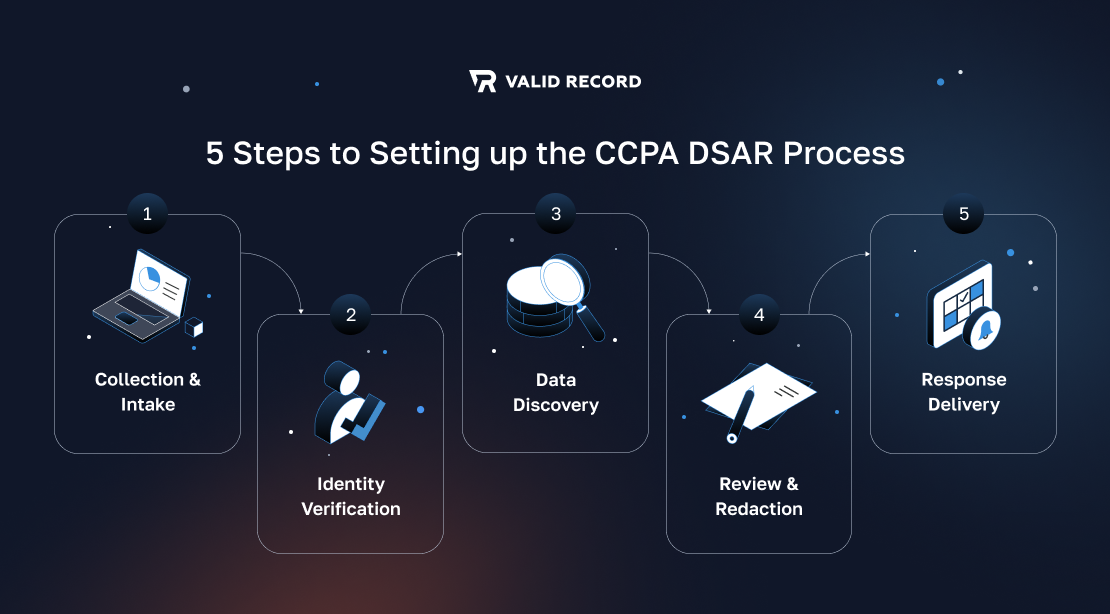
How to Set Up the CCPA DSAR Process
Step 1: Collection and Intake
Provide at least two options for submitting access requests, such as a toll-free number and a web form – a good intake form helps clarify the request.
Step 2: Identity Verification
Next, authenticate the requester’s identity. Verify that the request is from a legitimate user; otherwise, you have the legal right to decline it.
Step 3: Data Discovery
Find all relevant personal information the person is requesting. A detailed data mapping will help simplify the process.
Step 4: Data Review and Redaction
Once you collect the information, review the records and delete any exempt or sensitive information about other parties. Make sure the response includes only the correct consumer’s data.
Step 5: Response Delivery
Finally, return the response to the consumer. Remember that you have a 45-day window to respond to the CCPA access request.
Common Challenges in CCPA Compliance
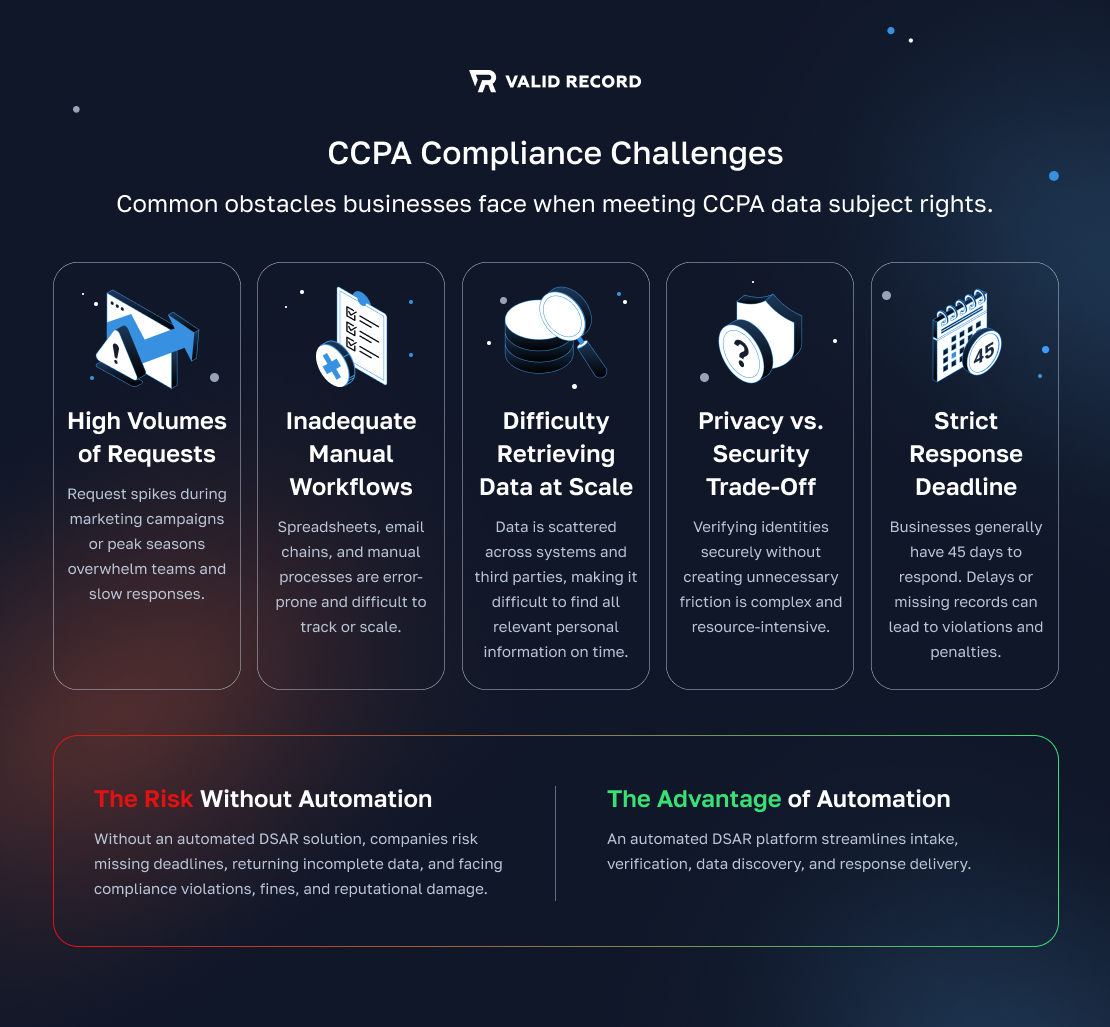
CCPA data subject rights are not easy to comply with, with the following challenges:
- High amounts of requests generated at peak times
- Inadequacy of manual workflows
- Inability to retrieve data from a large-scale IT infrastructure
- The privacy vs. security trade-off during the verification process
Without an automated DSAR solution, companies often miss the mandated response time, and even a single missed record can trigger a compliance infraction and significant penalties. A powerful DSAR platform, by contrast, helps you balance privacy and security needs.
Best Software Solutions to Automate CCPA DSARs
To scale your compliance efforts and overcome the challenges of manual data processing, the best strategy is to use an automated DSAR solution.
Here are the top CCPA DSAR platforms in 2026:
Osano
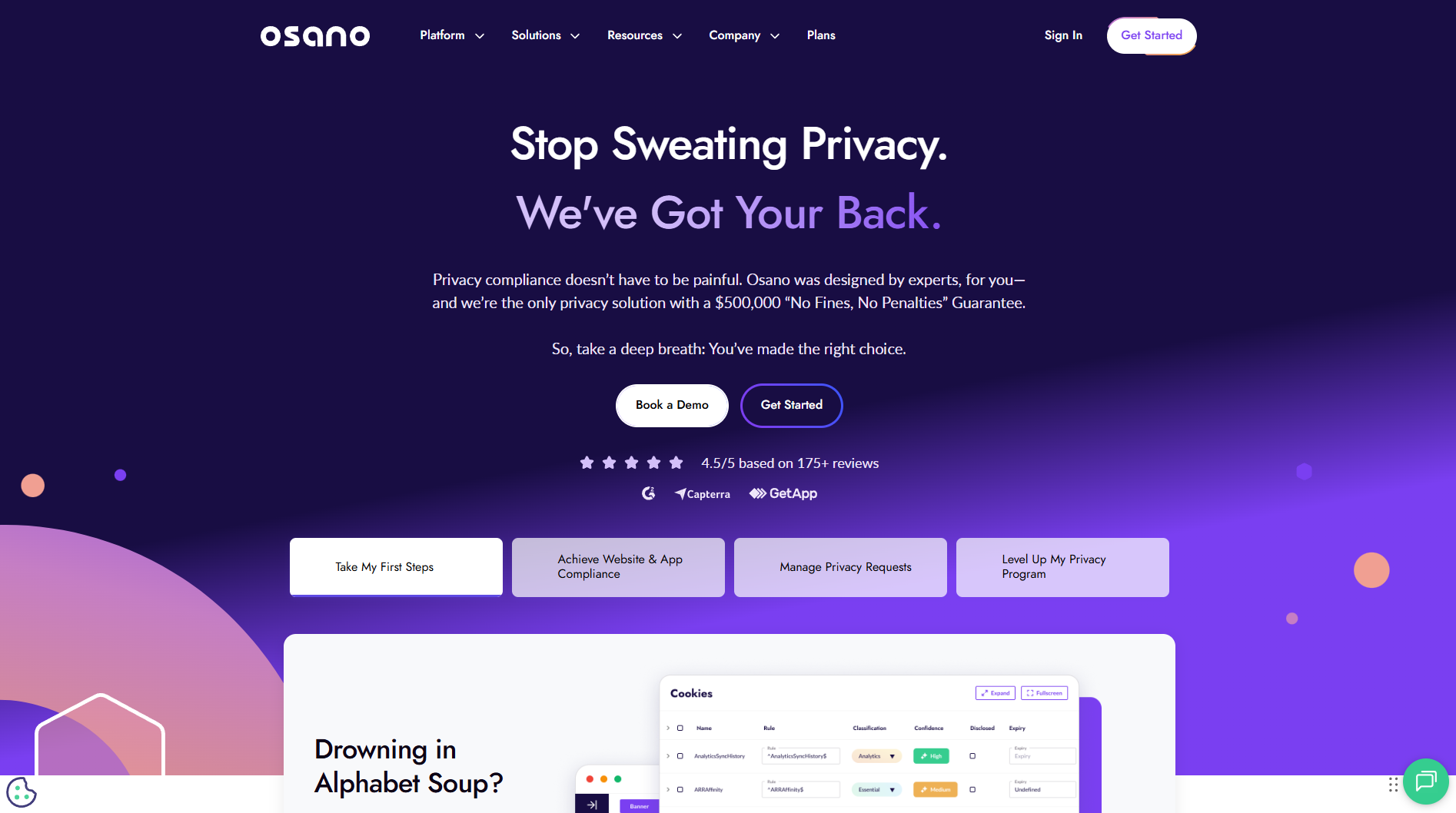
Osano’s technology is the single source of truth for Subject Rights Management (SRM), making privacy compliance as smooth as possible.
The platform leverages AI-powered Data Discovery to automatically search, locate, and classify personal data across your systems. Plus, Osano gives you peace of mind with a one-of-a-kind $500,000 “No Fines, No Penalties” Guarantee, protecting your business from non-compliance.
Ketch
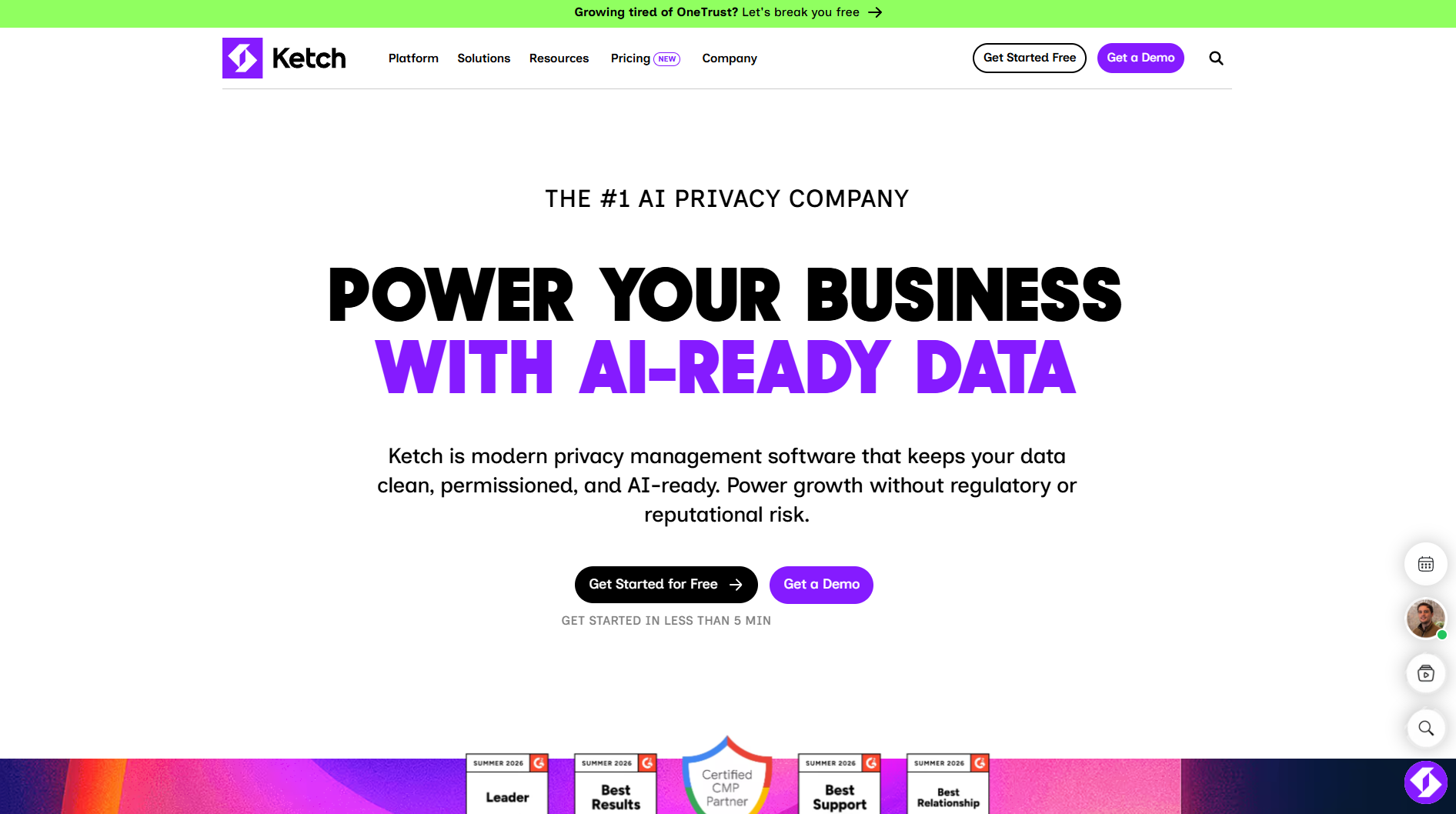
Ketch offers modern, AI-first privacy management software that features a highly intuitive drag-and-drop DSR workflow builder. The platform’s central feature is Ketch Agent Network, which automates discovery and request fulfillment across complex data ecosystems.
Transcend
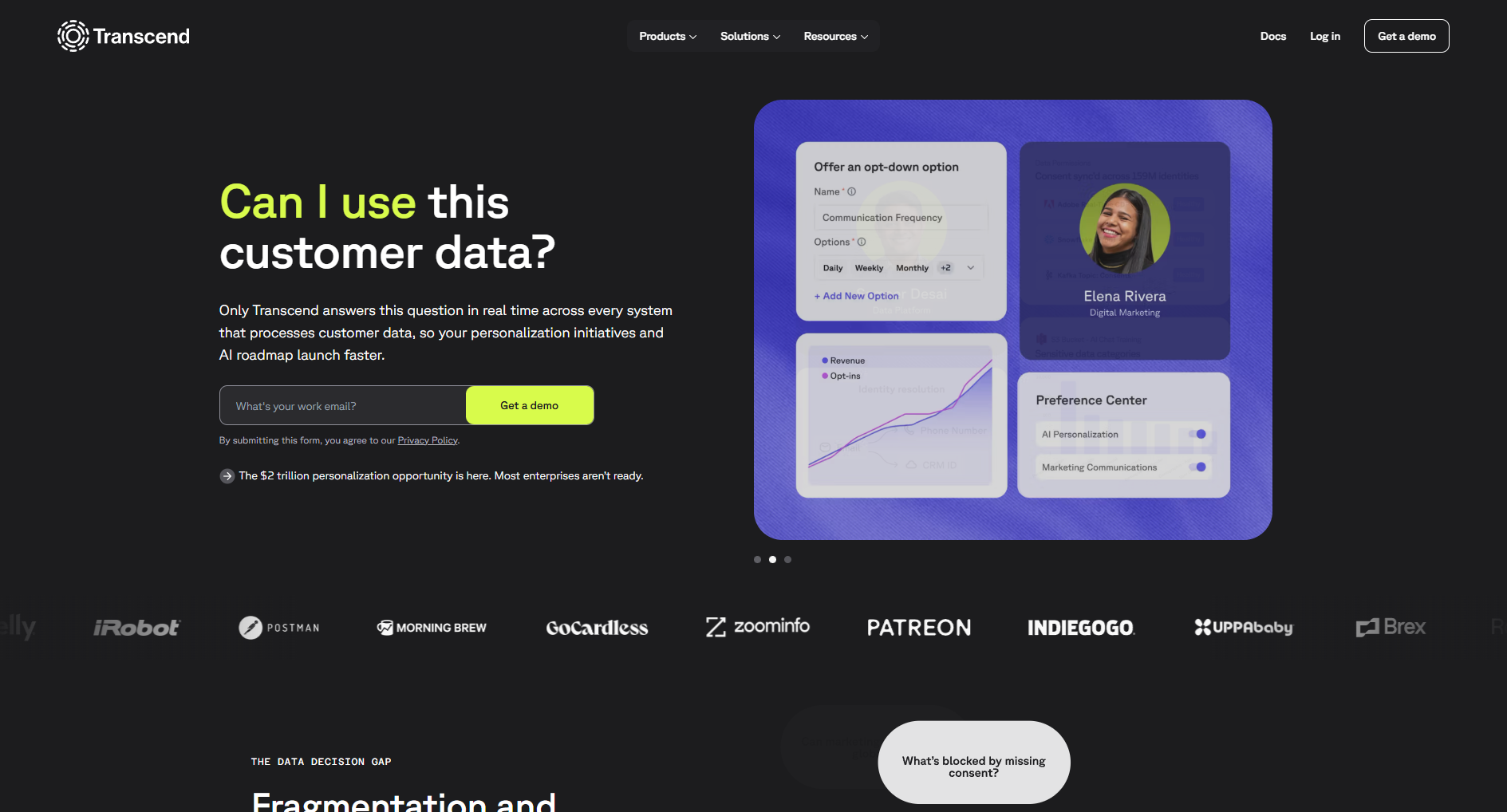
Transcend takes a highly technical, security-first approach to DSAR fulfillment. The platform’s proprietary Sombra security gateway runs entirely in your environment, ensuring Transcend never sees your data and that you retain full control of your API keys.
By embedding data-use permissions directly into your tech stack, Transcend can return, modify, or delete a user’s data without requiring human intervention.
MineOS
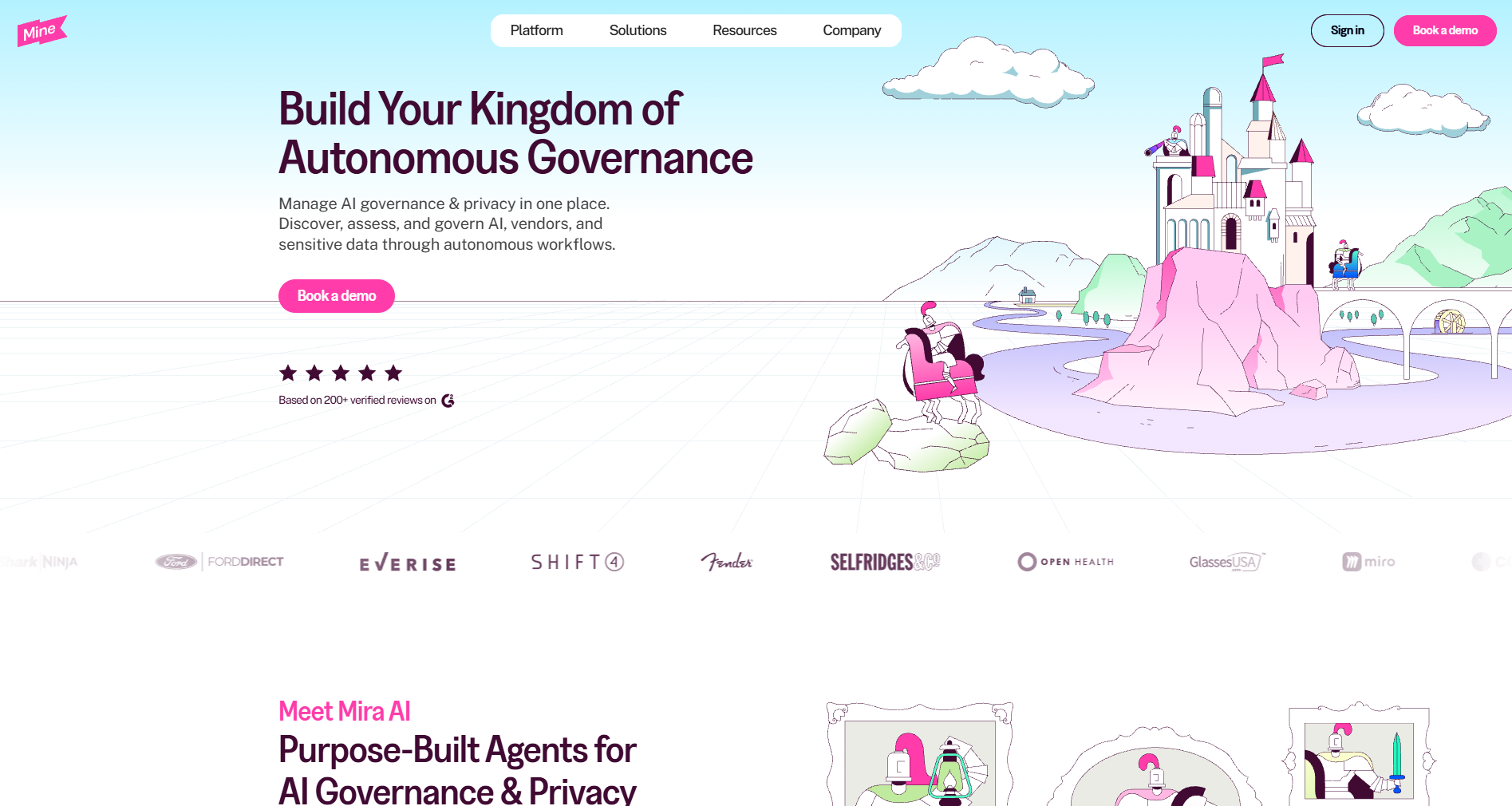
MineOS brings together AI governance and privacy management in a single privacy operations center. DSR Autopilot handles intake and fulfillment, completing in minutes what previously took hours. In the background, dedicated AI agents maintain data mapping in real time.
Enhancing Compliance with ValidRecord
For businesses managing large volumes of personal data – affiliate networks, lead generators, advertisers, publishers, and other types of performance marketers – ValidRecord might be the best compliance and fraud protection software.
- iClaim gives lead generation companies a record of consumer consent, needed for TCPA & data privacy compliance. It captures a user’s session and consent language and generates a Record ID, which can be stored for up to 5 years as an auditable record of consent.
- iClear screens leads in real time before they are sold or bought, with automated approvals and rejections based on your qualification criteria.
Sign up for ValidRecord to validate leads in real-time, prevent fraud, and grow ROI.
Frequently Asked Questions
Which DSAR software is most user-friendly for small businesses?
If you’re a small company, Ketch, Osano, and DataGrail are the easiest to use because they have the least technical overhead: Ketch offers a free tier and dedicated small-business solutions, custom-built compliance packages for start-ups and mid-sized companies, and DataGrail fits businesses of all sizes.
What are the best features to look for in DSAR platform software?
First of all, the platform should automatically generate compliance reports and integrate with your current tech stack. Likewise, look for automated data discovery through both internal databases and third-party systems, with minimal manual digging, and secure and reliable ID verification.
How long do businesses have to respond to a CCPA DSAR?
Under the CCPA, a business must provide a substantive response to a CCPA data subject access request within 45 days. If the request is complex, businesses can extend this period by an additional 45 days, provided they notify the consumer. However, opt-out requests must be honored within 15 days.